
No products in the basket.
Dell Laptop Repair in Chesterfield
Dell Laptop Repair in Chesterfield
Exlen Technology repairs all Dell laptops at our workshop on Chatsworth Road, Chesterfield, from everyday Inspiron and Vostro models to Latitude business laptops, XPS and G15 and Alienware gaming machines. We’ve been fixing computers for over 30 years, and you’ll always get a clear quote before any work starts.
- Dell repairs from £50
- 48 Dell models listed
- Drop in at 172 Chatsworth Road
Dell laptop repairs we carry out
- Screen replacement, including touchscreens on Inspiron 2-in-1 and XPS models
- Charging faults, including worn charging sockets and “AC adapter not recognised” warnings
- Battery replacement, including swollen batteries
- Keyboard replacement
- Hinge and case repairs
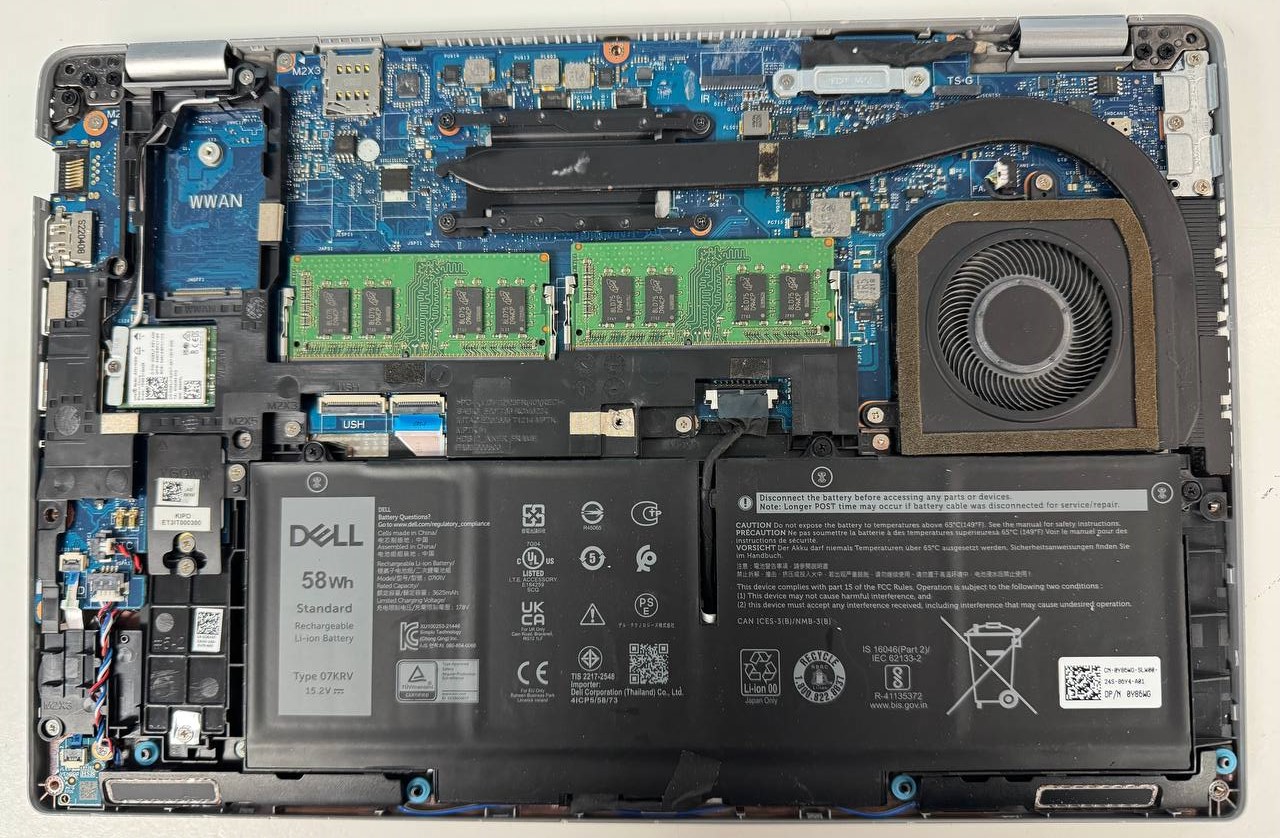
- Fan cleaning and replacement for overheating and noise
- SSD and memory upgrades, where the model allows
- Windows reinstall and repair, virus removal
- Data recovery
- Liquid damage assessment
Dell laptop models we support
These are the Dell models we see most often. We repair older and newer Dell laptops too, so if yours isn’t listed, call us.
Showing all 48 Dell models
Not sure which model you have? Look at the label on the bottom of the laptop. It shows the model name and a 7-character Service Tag, which also tells us exactly which parts your laptop uses.
Everyday home laptops 12 models
- Dell Inspiron 15 30003501, 3505, 3511, 3515, 3520, 3525, 3530, 3535
- Dell Inspiron 14 30003420, 3430
- Dell Inspiron 15 50005502, 5505, 5510, 5515, 5530, 5535
- Dell Inspiron 14 50005402, 5410, 5420, 5430, 5440
- Dell Inspiron 135310, 5330
- Dell Inspiron 14 70007400, 7420, 7430
- Dell Inspiron 165620, 5630, 5640, 7620, 7630
- Dell 142025 onwards (replaces Inspiron)
- Dell 15DC15250, DC15255
- Dell 162025 onwards (replaces Inspiron)
- Dell 14 Plus2025 onwards
- Dell 16 Plus2025 onwards
2-in-1 and premium laptops 7 models
- Dell Inspiron 14 2-in-17420, 7430, 7440
- Dell XPS 139300, 9305, 9310, 9315, 9340, 9345
- Dell XPS 13 2-in-19310
- Dell XPS 149440
- Dell XPS 159500, 9510, 9520, 9530
- Dell XPS 169640
- Dell XPS 179700, 9710, 9720, 9730
Small business laptops 3 models
- Dell Vostro 14 30003400, 3420, 3430
- Dell Vostro 15 30003500, 3510, 3520, 3530
- Dell Vostro 50005410, 5510, 5620
Business laptops 14 models
- Dell Latitude 14 30003410, 3420, 3430, 3440, 3450
- Dell Latitude 15 30003510, 3520, 3530, 3540, 3550
- Dell Latitude 13 50005300, 5310, 5320, 5330, 5340, 5350
- Dell Latitude 14 50005480, 5490, 5400, 5410, 5420, 5430, 5440, 5450
- Dell Latitude 15 50005580, 5590, 5500, 5510, 5520, 5530, 5540, 5550
- Dell Latitude 12 70007280, 7290
- Dell Latitude 13 70007380, 7390, 7300, 7310, 7320, 7330, 7340, 7350
- Dell Latitude 14 70007480, 7490, 7400, 7410, 7420, 7430, 7440, 7450
- Dell Latitude 2-in-1 / Detachable7200, 7210, 7320 Detachable
- Dell Latitude 90009410, 9420, 9430, 9440
- Dell Pro 142025 onwards (replaces Latitude)
- Dell Pro 14 PlusPB14250
- Dell Pro 162025 onwards (replaces Latitude)
- Dell Pro 16 Plus2025 onwards
Mobile workstations 5 models
- Dell Precision 30003550, 3560, 3570, 3580
- Dell Precision 50005550, 5560, 5570, 5680
- Dell Precision 70007550, 7560, 7670
- Dell Pro Max 142025 onwards (replaces Precision)
- Dell Pro Max 162025 onwards (replaces Precision)
Gaming laptops 5 models
- Dell G155510, 5511, 5515, 5520, 5525, 5530, 5535
- Dell G167620, 7630
- Alienware m15R3, R4, R5, R6, R7
- Alienware m16R1, R2
- Alienware x16R1, R2
Chromebooks 2 models
- Dell Chromebook 3100also 3100 2-in-1
- Dell Chromebook 3110also 3110 2-in-1
We couldn’t find that model in our list. We very likely still repair it. Call 01246 236363 or bring it in and we’ll take a look.
Common Dell laptop problems we fix
Charger not recognised
A warning that the AC adapter can’t be identified, or a laptop that’s plugged in but not charging, usually means a damaged charger, cable or charging socket. We test each one so you don’t pay for parts you don’t need.
Swollen batteries
If the touchpad is lifting, the keyboard is bulging or the case won’t close flat, the battery may be swelling. This is common on older Latitude and XPS laptops. Stop using the laptop and bring it in so we can replace the battery safely.
Loose or broken hinges
Hinges on Inspiron 3000 and 5000 series laptops can work loose or crack the case over time. Caught early, it’s a straightforward repair; left too long, it can damage the screen.
Overheating and loud fans
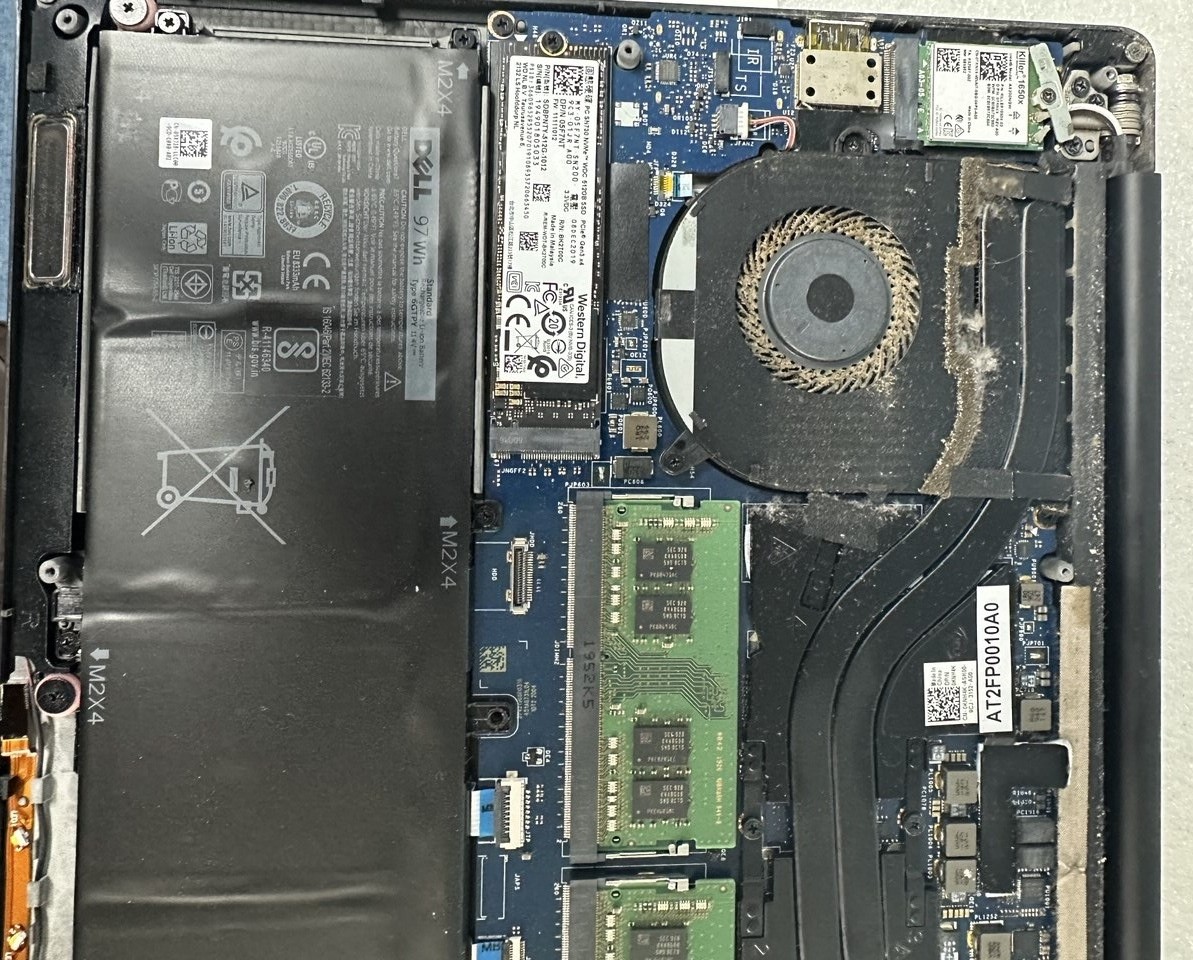
G15, Alienware and XPS laptops work hard, and dust builds up in the fans. A clean and fresh thermal paste usually makes them quieter, cooler and faster again.
Dell laptop repair questions
How much does a Dell laptop repair cost?
Dell laptop repairs start from £50. A Dell screen replacement typically costs £100–£150 and a battery £40–£80, depending on the model. We always quote before starting.
Can you replace the screen on my Dell laptop?
Yes. We replace screens on all Dell laptops, including Inspiron, Vostro, Latitude and XPS models, and touchscreens on 2-in-1s. Bring it in or call 01246 236363 with your model number for a quote.
My Dell says "The AC power adapter type cannot be determined". What does that mean?
It means the laptop can't properly recognise the charger, so it may charge slowly or not at all. The cause is usually a damaged charger, a worn charger cable or a fault in the laptop's charging socket. We test each part so you only pay for the one that needs replacing.
Do you repair Dell Latitude business laptops?
Yes. We repair and upgrade Dell Latitude, Vostro and Precision laptops for individuals and businesses, including screens, batteries, keyboards, charging faults and SSD upgrades.
Can you upgrade my Dell laptop's memory or SSD?
Usually, yes. Most Dell laptops can take a larger or faster SSD, and many can take more memory. Some slimmer models, including several XPS laptops, have memory built onto the motherboard, so we'll check your model and tell you what's possible before quoting.
Do you repair Dell gaming laptops like G15 and Alienware?
Yes. We repair Dell G15, G16 and Alienware laptops, including screens, keyboards, charging faults, and cleaning and replacing fans on laptops that overheat or get loud.
How do I find my Dell laptop's model number?
Turn the laptop over and look for the label on the bottom, which shows the model name and a 7-character Service Tag. You can also type "System Information" into the Windows search bar to see the model.
Is my Dell laptop still under warranty?
You can check by entering your Service Tag on Dell's support website. If your laptop is still covered by Dell's warranty, a repair through Dell may be free, so it's worth checking first. If it isn't covered, we can quote for the repair.
Other laptop brands we repair
Bring your Dell laptop in
Exlen TechnologyUnit 2A, 172 Chatsworth Road
Chesterfield, Derbyshire
S40 2AR
Opening hours
Monday to Friday: 9:00am – 5:00pm
Saturday: 9:30am – 4:30pm
Sunday: Closed
Please bring
Your laptop, its charger and your Windows password (if you’re happy to share it), so we can test the repair fully.