
No products in the basket.
MacBook Pro Repair in Chesterfield
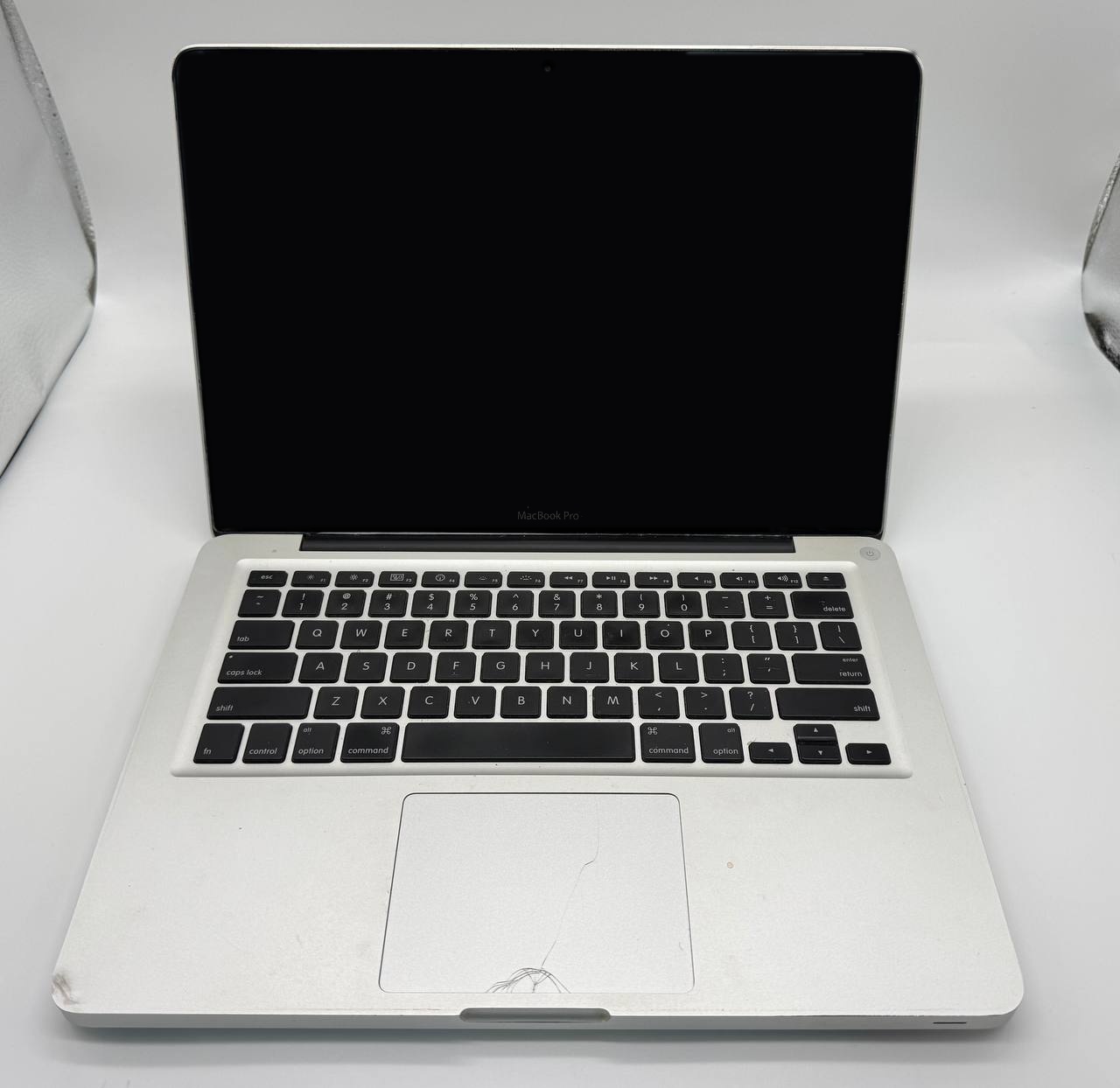
Exlen Technology repairs all MacBook Pro models at our workshop on Chatsworth Road, Chesterfield, from older Intel models to the latest 14 and 16-inch Apple silicon MacBook Pros. We’ve been fixing computers for over 30 years, carry out board-level repairs, and you’ll always get a clear quote before any work starts.
- MacBook Pro repairs from £60
- Board-level logic board repair
- Drop in at 172 Chatsworth Road
MacBook Pro repairs we carry out
- Screen replacement, including Retina and Liquid Retina XDR displays
- Display cable repairs for patchy or dark screens on 2016–2017 models
- Battery replacement, including swollen batteries
- Keyboard repair and replacement, including butterfly keyboards
- Trackpad and Touch Bar repairs
- Liquid damage repair
- Logic board repair: board-level repairs as well as replacements
- Port replacement: USB-C, MagSafe and charging faults
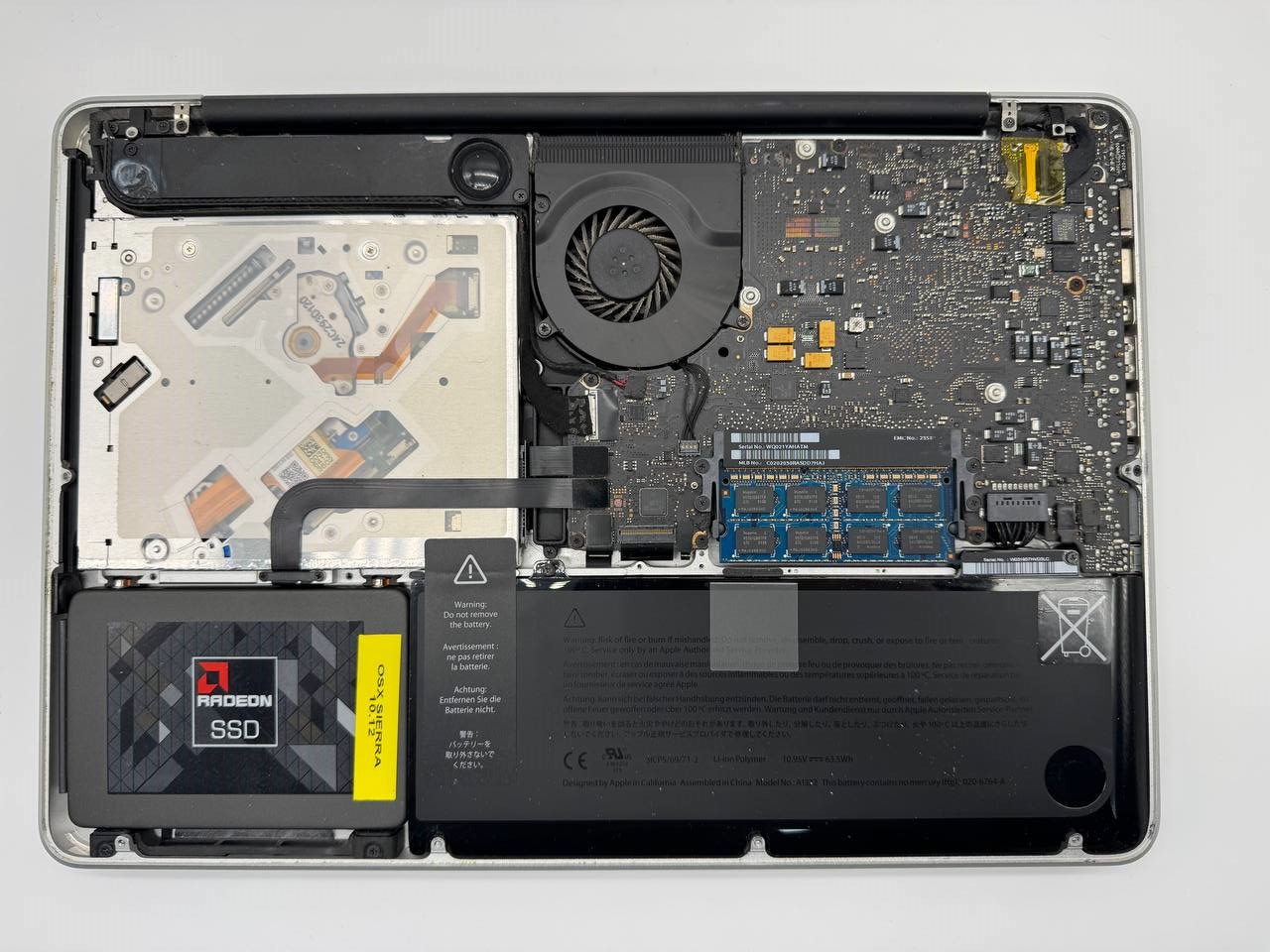
- Upgrades on 2008–2015 models
- Data recovery and macOS repairs
MacBook Pro models we support
These are the MacBook Pro models we see most often. Search by name, year, chip or the model number on the bottom of the case.
Showing all 25 models
Not sure which model you have? Click the Apple menu and choose About This Mac. If it won’t turn on, the model number is in the small print on the bottom of the case, starting with A, such as A2338.
MacBook Pro with Apple silicon 11 models
- MacBook Pro M1 (13-inch, 2020)A2338
- MacBook Pro M2 (13-inch, 2022)A2338
- MacBook Pro M1 Pro / M1 Max (14-inch, 2021)A2442
- MacBook Pro M1 Pro / M1 Max (16-inch, 2021)A2485
- MacBook Pro M2 Pro / M2 Max (14-inch, 2023)A2779
- MacBook Pro M2 Pro / M2 Max (16-inch, 2023)A2780
- MacBook Pro M3 (14-inch, 2023)A2918
- MacBook Pro M3 Pro / M3 Max (14-inch, 2023)A2992
- MacBook Pro M3 Pro / M3 Max (16-inch, 2023)A2991
- MacBook Pro M4 / M4 Pro / M4 Max (14-inch, 2024)
- MacBook Pro M4 Pro / M4 Max (16-inch, 2024)
MacBook Pro with Thunderbolt 3 (Intel, 2016–2020) 9 models
- MacBook Pro (13-inch, 2016–2017, Touch Bar)A1706
- MacBook Pro (13-inch, 2016–2017, no Touch Bar)A1708
- MacBook Pro (15-inch, 2016–2017)A1707
- MacBook Pro (13-inch, 2018–2019, four ports)A1989
- MacBook Pro (13-inch, 2019, two ports)A2159
- MacBook Pro (15-inch, 2018–2019)A1990
- MacBook Pro (16-inch, 2019)A2141
- MacBook Pro (13-inch, 2020, four ports)A2251
- MacBook Pro (13-inch, 2020, two ports)A2289
MacBook Pro with Retina display (Intel, 2012–2015) 3 models
- MacBook Pro Retina (13-inch, 2012–2013)A1425
- MacBook Pro Retina (13-inch, 2013–2015)A1502
- MacBook Pro Retina (15-inch, 2012–2015)A1398
Older MacBook Pro (Intel, 2008–2012) 2 models
- MacBook Pro (13-inch, 2009–2012)A1278
- MacBook Pro (15-inch, 2008–2012)A1286
We couldn’t find that model in our list. We very likely still repair it. Call 01246 236363 or bring it in and we’ll take a look.
Common MacBook Pro problems we fix
Sticky or repeating keys
MacBook Pro models from 2016 to 2019 (apart from the 16-inch) use Apple’s butterfly keyboard, which is prone to sticking, doubled or dead keys. We clean or replace them.
Patchy or dark screens
On 2016 and 2017 models, the screen’s backlight cable can wear out, causing a “stage light” glow or a screen that goes dark when the lid is opened fully. It’s repairable.
Worn or swollen batteries
A “Service Recommended” warning, short battery life, or a trackpad that’s lifting all point to the battery. If it’s swelling, stop using the MacBook Pro and bring it in.
Liquid damage
A spilled drink can stop a MacBook Pro working straight away or weeks later as corrosion spreads. Switch it off, don’t charge it, and bring it in. Board-level repair often saves it.
MacBook Pro repair questions
How much does a MacBook Pro repair cost?
MacBook Pro repairs start from £60. A battery replacement typically costs £150–£250. Screen replacements start from around £250 for a refurbished screen and can be £1,000 or more for newer 14 and 16-inch models. We always give you a clear quote before any work starts.
Some keys on my MacBook Pro stick or type twice. Can you fix it?
Yes. MacBook Pro models from 2016 to 2019 (except the 16-inch) use Apple's thin "butterfly" keyboard, which is prone to sticking, repeating or dead keys, often caused by dust or crumbs. We can clean it or replace the keyboard, depending on the fault.
My MacBook Pro screen has a patchy glow or goes dark when I open it fully. What's wrong?
On 2016 and 2017 MacBook Pro models, the thin cable that powers the screen's backlight can wear out from opening and closing the lid. This causes an uneven "stage light" glow along the bottom of the screen, or a screen that goes dark past a certain angle. We can repair it.
My MacBook Pro says "Service Recommended" for the battery. What does that mean?
It means the battery has worn to the point where it no longer holds charge as well as it should. If you also notice the trackpad lifting or the case bulging, the battery may be swelling, so stop using it and bring it in. A new battery usually costs £150–£250.
I've spilled a drink on my MacBook Pro. What should I do?
Switch it off straight away, don't try to charge it, and bring it in as soon as you can. Liquid causes corrosion on the logic board over time, so the sooner we clean and assess it, the better the chance of a repair. We carry out board-level repairs, which can often save a MacBook Pro that would otherwise need a new logic board.
Can you upgrade my MacBook Pro?
It depends on the model. Retina models from 2012 to 2015 can have their SSD upgraded, and older models from 2008 to 2012 can also take more memory and a faster drive. Most models from 2016 onwards, including all Apple silicon models, have their storage and memory built onto the logic board, so they can't be upgraded.
How do I find my MacBook Pro's model?
Click the Apple menu at the top left of the screen and choose About This Mac to see the model and year. If it won't turn on, look at the small print on the bottom of the case for a model number beginning with A, such as A2338 for the 13-inch M1 MacBook Pro.
Is my MacBook Pro still under warranty?
If your MacBook Pro is still under Apple's warranty or AppleCare+, check with Apple first, as the repair may be covered. For Macs outside warranty, we can quote for the repair.
Other Macs we repair
Bring your MacBook Pro in
Exlen TechnologyUnit 2A, 172 Chatsworth Road
Chesterfield, Derbyshire
S40 2AR
Opening hours
Monday to Friday: 9:00am – 5:00pm
Saturday: 9:30am – 4:30pm
Sunday: Closed
Please bring
Your Mac, its charger and your Mac login password (if you’re happy to share it), so we can test the repair fully.