
No products in the basket.
Lenovo Laptop Repair in Chesterfield
Lenovo Laptop Repair in Chesterfield
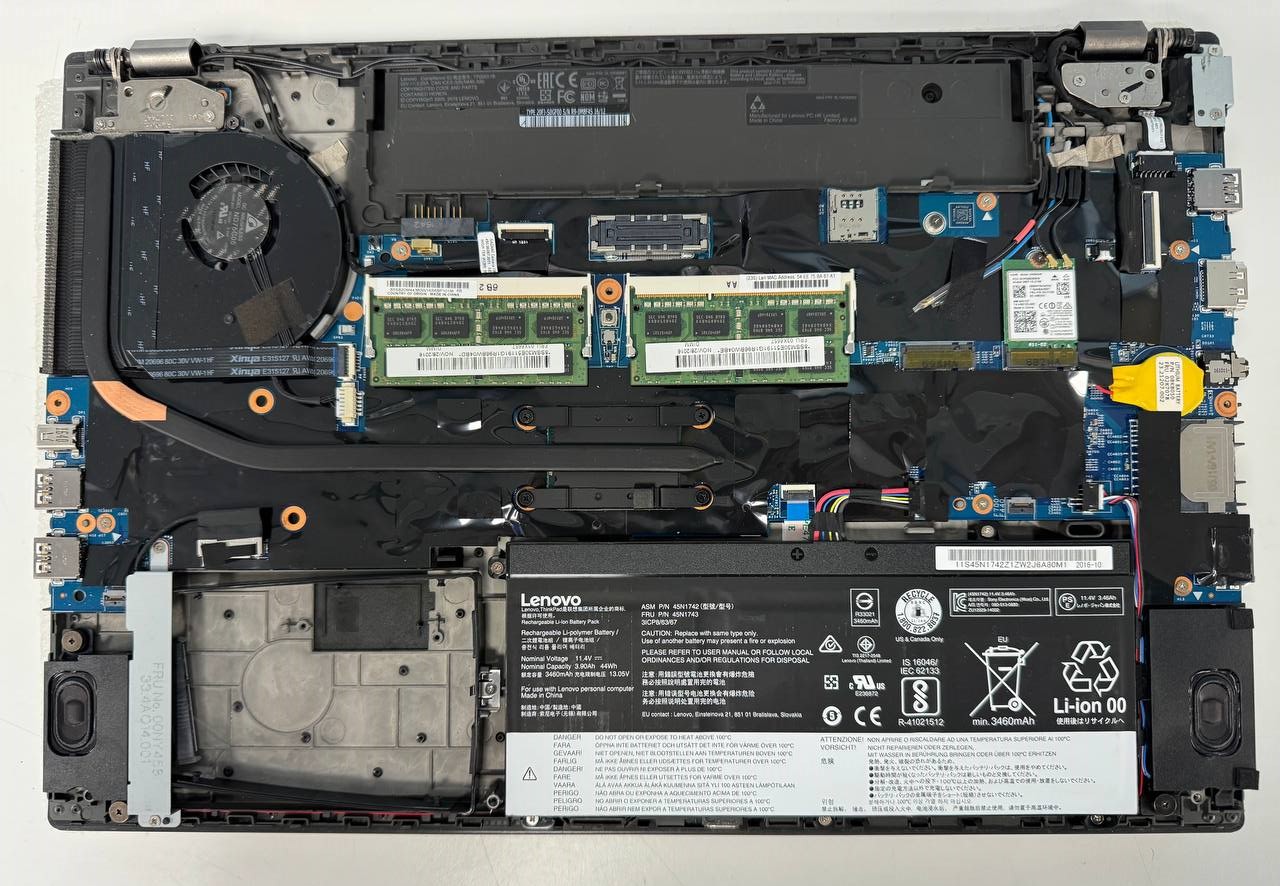
Exlen Technology repairs all Lenovo laptops at our workshop on Chatsworth Road, Chesterfield, from everyday IdeaPad models to ThinkPad business laptops, Yoga 2-in-1s and Legion and LOQ gaming machines. We’ve been fixing computers for over 30 years, and you’ll always get a clear quote before any work starts.
- Lenovo repairs from £50
- 68 Lenovo models listed
- Drop in at 172 Chatsworth Road
Lenovo laptop repairs we carry out
- Hinge and case repairs, including broken hinge mounts on IdeaPad laptops
- Screen replacement, including touchscreens on Yoga and Flex 2-in-1s
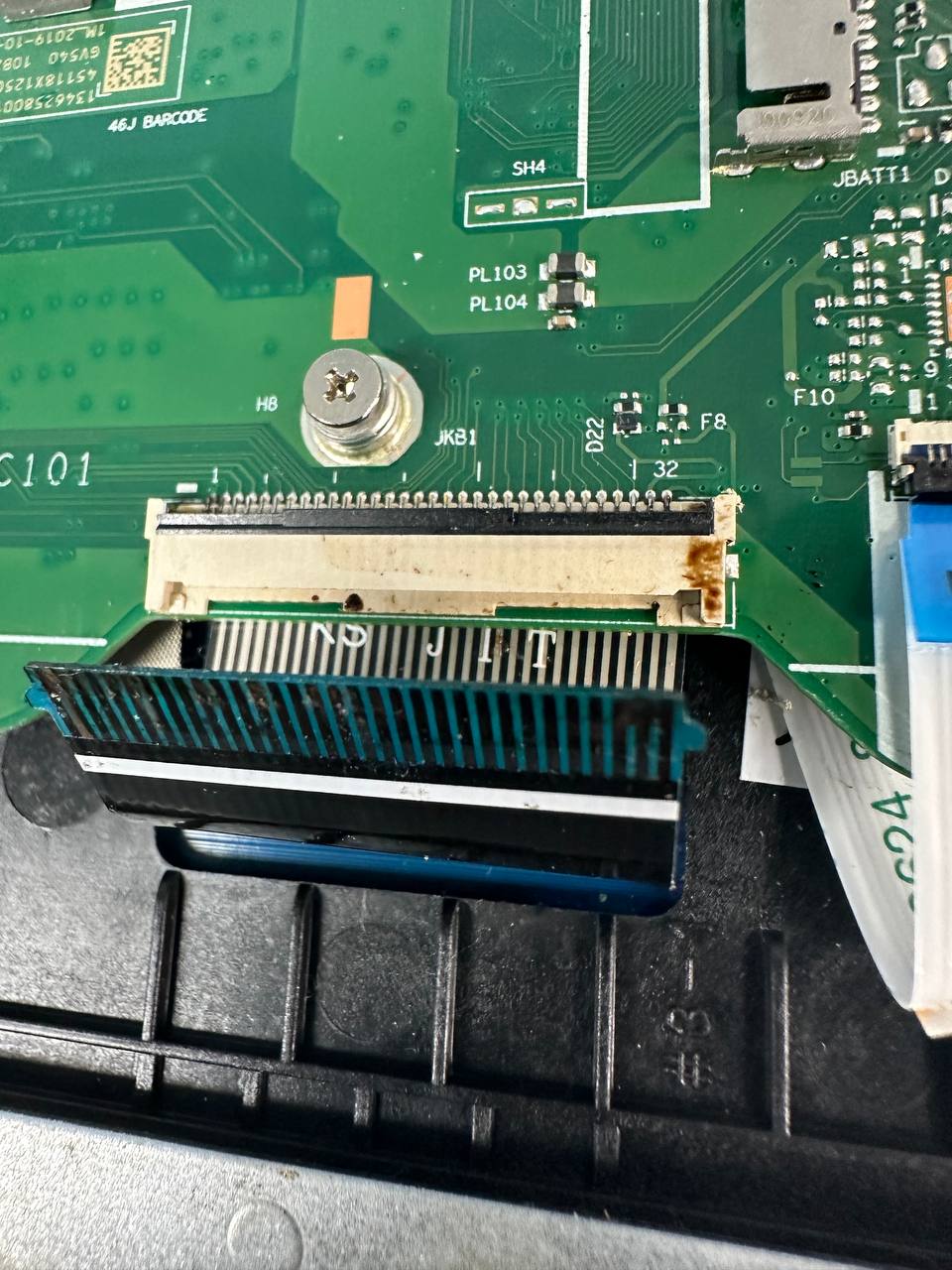
- Charging faults, including worn charging sockets
- Battery replacement, including swollen batteries
- Keyboard replacement, including ThinkPad keyboards
- Fan cleaning and replacement for overheating and noise
- SSD and memory upgrades, where the model allows
- Windows reinstall and repair, virus removal
- Data recovery
- Liquid damage assessment
Lenovo laptop models we support
These are the Lenovo models we see most often. We repair older and newer Lenovo laptops too, so if yours isn’t listed, call us.
Showing all 68 Lenovo models
Not sure which model you have? Look at the label on the bottom of the laptop. It shows the model name, a code such as 15ITL6 or a ThinkPad machine type, and the serial number. The Lenovo Vantage app shows the same details.
Everyday home laptops 19 models
- Lenovo IdeaPad 1 1414IGL05, 14ADA05, 14AMN7
- Lenovo IdeaPad 1 1515IGL7, 15ADA7, 15AMN7
- Lenovo IdeaPad 3 1414IIL05, 14ITL6, 14ALC6
- Lenovo IdeaPad 3 1515IIL05, 15ADA05, 15ITL6, 15ALC6
- Lenovo IdeaPad 3 1717ITL6, 17ALC6
- Lenovo IdeaPad Slim 3 1414IAH8, 14IRU8
- Lenovo IdeaPad Slim 3 1515IAU7, 15IAH8, 15IRU8, 15AMN8
- Lenovo IdeaPad Slim 3 1616IAH8, 16IRU9
- Lenovo IdeaPad 5 1414IIL05, 14ITL05, 14ALC05
- Lenovo IdeaPad 5 1515IIL05, 15ITL05
- Lenovo IdeaPad Slim 5 1414IAH8, 14ABR8
- Lenovo IdeaPad Slim 5 1616IAH8, 16ABR8
- Lenovo IdeaPad 320320-15IKB, 320-15ISK, 320-15AST
- Lenovo IdeaPad 330330-15IKB, 330-15ARR, 330-15AST
- Lenovo IdeaPad S145S145-15IWL, S145-15API
- Lenovo IdeaPad S340S340-14API, S340-15IWL
- Lenovo IdeaPad L340L340-15IWL, L340-15API
- Lenovo V14G1, G2, G3, G4
- Lenovo V15G1, G2, G3, G4
2-in-1 and premium laptops 10 models
- Lenovo IdeaPad Flex 5 1414IIL05, 14ALC05, 14IAU7
- Lenovo IdeaPad Flex 5 1616IAU7, 16ABR8
- Lenovo IdeaPad Pro 5 14
- Lenovo IdeaPad Pro 5 16
- Lenovo Yoga Slim 714ARE05, 14ITL05, 14APU8
- Lenovo Yoga 7 1414ITL5, 14ARB7, 14IRL8
- Lenovo Yoga 7 1616IAP7, 16IRL8
- Lenovo Yoga 914ITL5, 14IAP7, 14IRP8
- Lenovo Yoga Pro 714APH8, 14IRH8
- Lenovo Yoga Pro 914IRP8, 16IMH9
Small business laptops 3 models
- Lenovo ThinkBook 14G2, G3, G4, G5, G6, G7
- Lenovo ThinkBook 15G2, G3, G4
- Lenovo ThinkBook 16G4, G5, G6, G7
ThinkPad business laptops 21 models
- Lenovo ThinkPad E14Gen 1, Gen 2, Gen 3, Gen 4, Gen 5, Gen 6
- Lenovo ThinkPad E15Gen 1, Gen 2, Gen 3, Gen 4
- Lenovo ThinkPad E16Gen 1, Gen 2, Gen 3
- Lenovo ThinkPad E490also E480
- Lenovo ThinkPad E590also E580
- Lenovo ThinkPad L14Gen 1, Gen 2, Gen 3, Gen 4, Gen 5
- Lenovo ThinkPad L15Gen 1, Gen 2, Gen 3, Gen 4
- Lenovo ThinkPad L490also L480
- Lenovo ThinkPad L590also L580
- Lenovo ThinkPad T480also T480s
- Lenovo ThinkPad T490also T490s
- Lenovo ThinkPad T495also T495s
- Lenovo ThinkPad T14Gen 1, Gen 2, Gen 3, Gen 4, Gen 5, Gen 6 (Intel and AMD)
- Lenovo ThinkPad T14sGen 1, Gen 2, Gen 3, Gen 4, Gen 5, Gen 6
- Lenovo ThinkPad T16Gen 1, Gen 2, Gen 3, Gen 4
- Lenovo ThinkPad X280
- Lenovo ThinkPad X390also X395
- Lenovo ThinkPad X13Gen 1, Gen 2, Gen 3, Gen 4, Gen 5
- Lenovo ThinkPad X1 CarbonGen 6, Gen 7, Gen 8, Gen 9, Gen 10, Gen 11, Gen 12, Gen 13
- Lenovo ThinkPad X1 YogaGen 4, Gen 5, Gen 6, Gen 7, Gen 8
- Lenovo ThinkPad X1 2-in-1Gen 9, Gen 10
Mobile workstations 3 models
- Lenovo ThinkPad P14sGen 1, Gen 2, Gen 3, Gen 4, Gen 5, Gen 6
- Lenovo ThinkPad P15Gen 1, Gen 2
- Lenovo ThinkPad P16Gen 1, Gen 2, Gen 3
Gaming laptops 8 models
- Lenovo IdeaPad Gaming 315IMH05, 15ACH6, 15IAH7
- Lenovo LOQ 1515IRH8, 15APH8, 15IAX9
- Lenovo LOQ 1616IRH8, 16APH8
- Lenovo Legion 515ARH05, 15ACH6, 15IAH7
- Lenovo Legion 5 Pro16ACH6H, 16ARH7H
- Lenovo Legion Pro 5
- Lenovo Legion 7 / Legion Pro 7
- Lenovo Legion Slim 5
Chromebooks 4 models
- Lenovo IdeaPad 3 Chromebook
- Lenovo IdeaPad Duet Chromebook
- Lenovo 100e ChromebookGen 2, Gen 3, Gen 4
- Lenovo 300e ChromebookGen 2, Gen 3, Gen 4
We couldn’t find that model in our list. We very likely still repair it. Call 01246 236363 or bring it in and we’ll take a look.
Common Lenovo laptop problems we fix
Broken hinges
IdeaPad laptops are well known for hinge problems: the lid gets stiff, then the hinge mount breaks away from the case. Caught early, it’s a straightforward repair; left too long, it can crack the screen or its surround.
Stops charging at 60%
Often this isn’t a fault at all, but Lenovo’s battery-saving Conservation Mode. If that’s switched off and it still won’t charge, the cause is usually the charger, charging socket or battery, and we test all three.
Slow older IdeaPads
Older IdeaPad 320, 330 and S145 laptops often came with a slow hard drive. Swapping it for an SSD is one of the best-value upgrades there is, and usually makes them feel like new.
Worn or spilled-on keyboards
ThinkPad and IdeaPad keyboards get heavy use, and drinks are a common cause of sticky or dead keys. We replace keyboards on most models.
Lenovo laptop repair questions
How much does a Lenovo laptop repair cost?
Lenovo laptop repairs start from £50. A Lenovo screen replacement typically costs £100–£150 and a battery £40–£80, depending on the model. We always quote before starting.
Can you fix a broken hinge on my Lenovo IdeaPad?
Yes. Broken hinges are one of the most common faults we see on IdeaPad laptops, especially the IdeaPad 3, IdeaPad 5 and older S145 and 330 models. The hinge mounts inside the lid can break away, and the sooner it's repaired, the less chance of damage to the screen.
My Lenovo laptop stops charging at around 60%. Is it broken?
Probably not. Many Lenovo laptops have a battery-saving setting, called Conservation Mode on IdeaPads, that deliberately stops charging at around 55–60% to extend the battery's life. You can switch it off in the Lenovo Vantage app. If it isn't switched on and the laptop still won't charge, bring it in and we'll test the charger, charging socket and battery.
Can you replace the screen on my Lenovo laptop?
Yes. We replace screens on all Lenovo laptops, including IdeaPad, ThinkPad and ThinkBook models, and touchscreens on Yoga and Flex 2-in-1s. Bring it in or call 01246 236363 with your model number for a quote.
Do you repair Lenovo ThinkPad business laptops?
Yes. We repair and upgrade ThinkPad T, E, L, X and P series laptops for individuals and businesses, including screens, keyboards, batteries, charging faults and SSD upgrades.
Can you upgrade my Lenovo laptop's memory or SSD?
Usually, yes. Most Lenovo laptops can take a larger or faster SSD, and many can take more memory. Some slimmer models, including many IdeaPad Slim and ThinkPad X1 laptops, have memory built onto the motherboard, so we'll check your model and tell you what's possible before quoting.
Do you repair Lenovo gaming laptops like Legion and LOQ?
Yes. We repair Lenovo Legion, LOQ and IdeaPad Gaming laptops, including screens, keyboards, charging faults, and cleaning and replacing fans on laptops that overheat or get loud.
How do I find my Lenovo laptop's model number?
Turn the laptop over and look for the label on the bottom. It shows the model name, a code such as 15ITL6 or a ThinkPad machine type, and the serial number. You can also find it in the Lenovo Vantage app, or by typing "System Information" into the Windows search bar.
Is my Lenovo laptop still under warranty?
You can check by entering the serial number from the label on Lenovo's support website. If your laptop is still covered by Lenovo's warranty, a repair through Lenovo may be free, so it's worth checking first. If it isn't covered, we can quote for the repair.
Other laptop brands we repair
Bring your Lenovo laptop in
Exlen TechnologyUnit 2A, 172 Chatsworth Road
Chesterfield, Derbyshire
S40 2AR
Opening hours
Monday to Friday: 9:00am – 5:00pm
Saturday: 9:30am – 4:30pm
Sunday: Closed
Please bring
Your laptop, its charger and your Windows password (if you’re happy to share it), so we can test the repair fully.